
Concepts in practice
What DNS actually does before a website opens
Follow a name from lookup to connection, and separate DNS integrity from encrypted browsing.
Typing a name into a browser feels like opening a single door. In reality, the browser first needs information about where to connect. DNS — the Domain Name System — is part of that discovery, not the website itself. This article expands the short explanation in our DNS video.
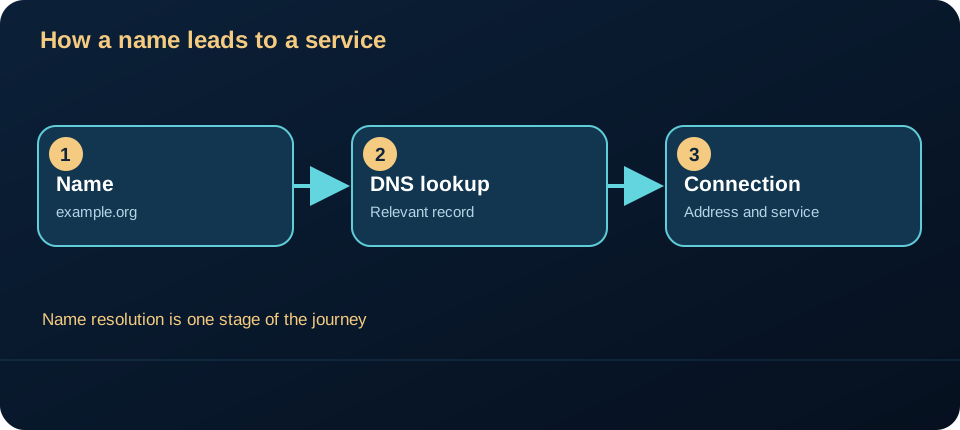
A name is a question, not an address
Consider the illustrative name example.org. A device asks a resolver for relevant DNS data. Depending on the requested record and configuration, the answer can identify an IP address or refer to another name. The device then uses the answer as one input when attempting a network connection. DNS design and record types are described in RFC 1034 and RFC 1035.
One name may have several valid answers, and answers can change over time. Caching also matters: a resolver or device may temporarily reuse an answer according to its time-to-live. That is why two devices can appear to behave differently without proving that either device is compromised. The DNS answer alone does not tell you whether the website responded, whether the browser completed a secure connection, or whether a particular page loaded.
DNS failure is not every connection failure
If a name cannot be resolved, a site may fail to open even when the device has Wi-Fi and can reach other network destinations. Conversely, a successful lookup does not prove the later connection will succeed. The path includes the local network, DNS resolution, routing to the destination and the service response. Test one stage at a time; do not replace all settings after one browser error.
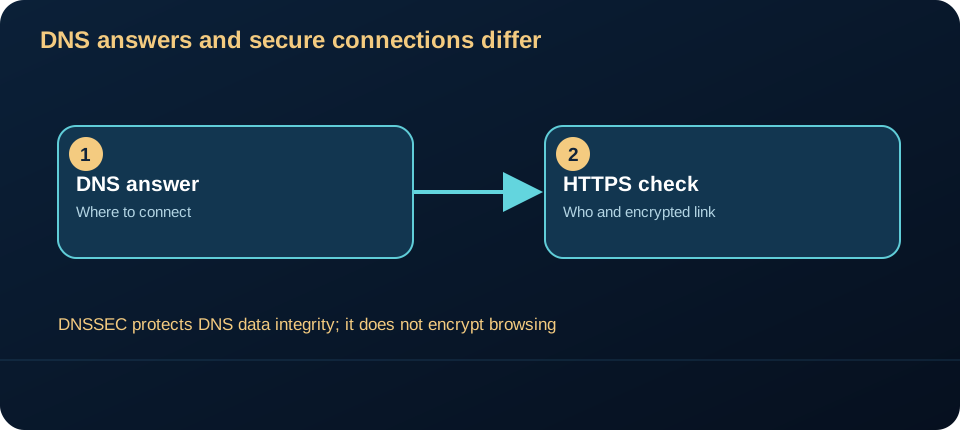
What DNSSEC and HTTPS each protect
DNSSEC is designed to authenticate DNS data and detect certain modifications of signed answers. It does not encrypt DNS queries or make browsing confidential; RFC 4033 states these limits. HTTPS provides a separate protected connection to a web service when certificate validation succeeds. A correct DNS answer does not replace that validation. RFC 8446 specifies TLS 1.3, the protocol commonly used beneath HTTPS.
For a useful diagnosis, record the exact name, the affected device, whether another name works and whether another device on the same network sees the same issue. Do not publish private IP addresses, credentials or screenshots containing account details. Those observations narrow the problem without pretending to identify its cause from a single symptom.
A DNS threat model
Asset: integrity of the name-to-service answer and privacy of the query. Trust boundaries: device, configured resolver, authoritative DNS data and later HTTPS connection. Possible failures: a false answer can redirect a client; a visible query can reveal names being looked up. These are distinct risks requiring distinct controls. RFC 4033 describes DNSSEC’s authentication, integrity and lack of confidentiality; RFC 9076 covers DNS privacy.
DNSSEC helps when a resolver actually validates a signed chain; a product label alone does not prove a lookup was validated. Encrypted DNS transport may reduce exposure of a query on one path but does not authenticate the website. Keep browser certificate checks enabled, use a resolver you trust and investigate unexpected redirects or certificate warnings. Changing DNS settings is neither a universal repair nor proof of compromise.
Try this: next time a page fails, ask two separate questions: “Did the name resolve?” and “Did the connection to the service complete?” This distinction is more informative than “my Wi-Fi is broken.”
Sources checked 15 October 2026: RFC 1034, RFC 1035, RFC 4033, RFC 8446.