
Applied guide
Guest Wi-Fi: what it separates and what you still need to check
A practical model for visitor access, separate credentials and the limits of the guest label.
Someone asks for your Wi-Fi password. The useful question is not just whether to share it; it is which part of your home network their device should join. A guest network can provide a separate name and password for visitors, as the FTC home Wi-Fi guide recommends. This article develops the idea behind our published guest-access video.
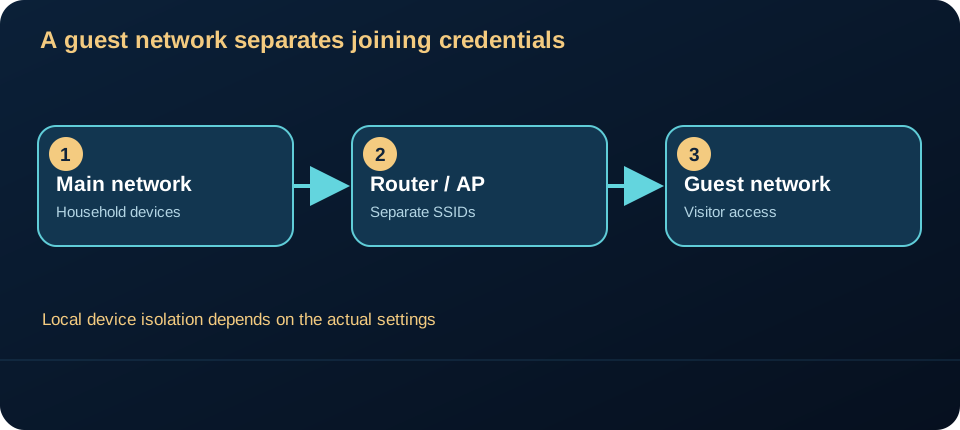
A separate password changes entry, not every permission
The main Wi-Fi credential is often shared among household devices. A guest credential can avoid handing that secret to each visitor. Some equipment also offers settings that restrict a guest device from reaching local devices on the main network. The availability and behavior of that restriction depend on the equipment and configuration. The word “guest” in a network name is not evidence that local isolation is active.
The picture is a conceptual model. A single router may run both wireless networks; two names do not imply two physical routers. Conversely, a visitor connected to a guest network may still reach the internet through the same provider connection. Whether the visitor can discover a printer, shared folder or another local device is a separate question requiring a safe check.
Check the intended boundary
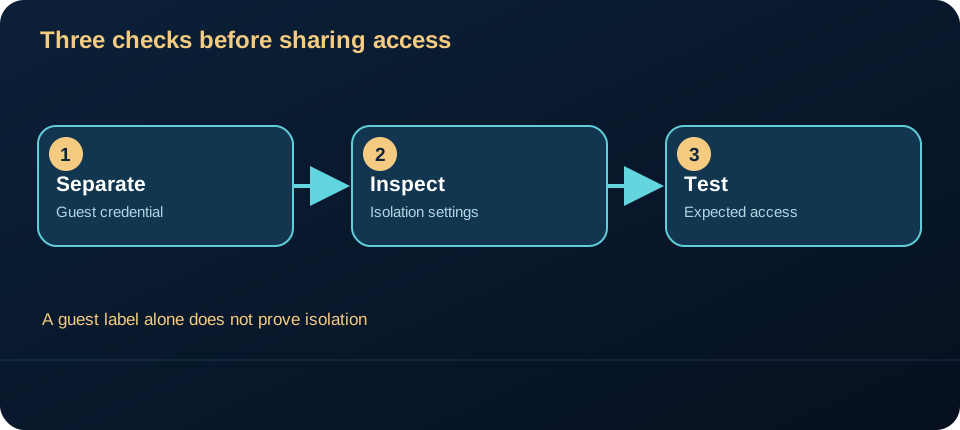
Start with the outcome you want. If visitors only need internet access, use a separate guest credential and inspect the official settings for local-network access or client isolation. Then test from a device you control. Can it reach a service that should be private? Can it still reach the internet? Document the result without publishing network names, passwords or device addresses. The NIST consumer router requirements are a useful reference for device security features, but a general standard cannot certify your specific configuration.
Do not assume that a guest network is a complete security boundary or that it protects a vulnerable device by itself. It is one access-control choice. Update the router through its supported path, keep the administration password separate from the Wi-Fi password, and review access when visitor needs change. The FTC guide also recommends changing default administrative credentials and keeping router software current.
A boundary to verify, not assume
Assets: household files, printers and administration interfaces. Potential entry: a visitor’s device, possibly infected without their knowledge, joins the wireless network. Control: separate credentials and a tested restriction on reachability to the main network where supported. The control may fail if guest clients still reach local services or administration remains exposed. An internet connection is not a test of local isolation.
The diagram shows an intended trust boundary, not a measured firewall rule. On your own equipment, compare access to one harmless local service before and after joining the guest network. Record the setting, expected result and observed result. The FTC recommends guest networks to reduce sharing of the primary password; actual restrictions require checking the device.
Try this: before the next visit, write down one expected permission (“guest can browse”) and one denied permission (“guest cannot open my shared files”). Check both on your own equipment. If the setting is unclear, use the provider or maker’s support documentation rather than guessing.
Sources checked 15 October 2026: FTC home Wi-Fi guidance; NIST consumer-grade router requirements.